Windowsify Gnome
Extensions:
-
Dash to Panel - windows-like taskbar (by charlesg99, not *Dash in Panel*, that's different)
- Panel height: Settings > Position > Panel Thickness
- Space between apps: Settings > Style > App Icon Margin
- Position Date + Time: Settings > Position > Reorder stuff at the bottom
-
ArcMenu - windows-like start menu button
- Windows look: Settings > Menu > Menu Layout > Modern Menu Layouts
- Change color: Settings > Menu > Menu Theme > Override Theme
- Windows Button: Settings > Menu Button > Icon
-
Windows Icon Pack: https://www.gnome-look.org/p/1366371
- Different folder color per link:
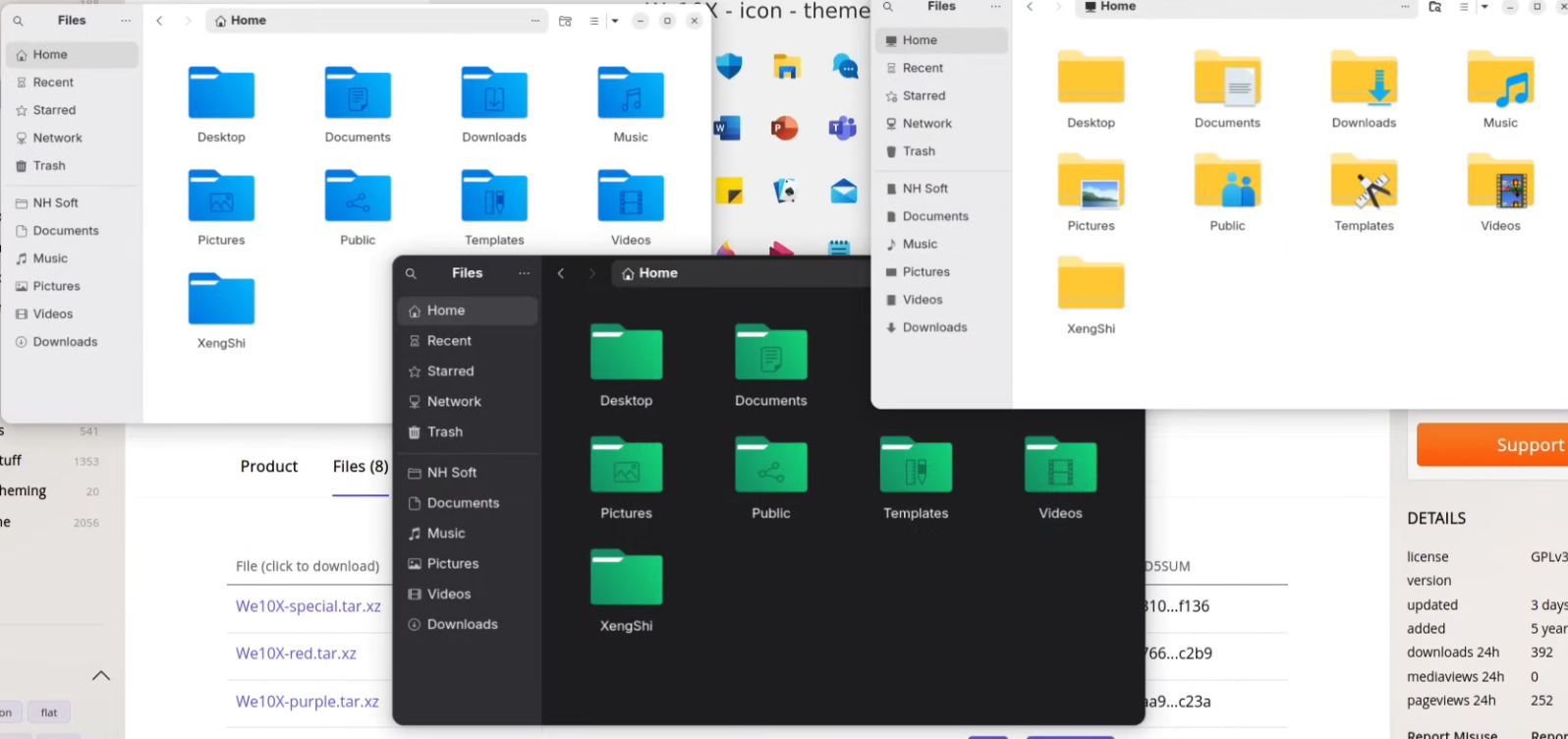
- Extract the download and copy it to: .local/share/icons
- Change size of tray icons: Dash to panel settings > Fine-Tune > Tray Font Size
- Different folder color per link:
- Change Date and Time look (Extension: Date Menu Formatter)
-
Formatter: SimpleDateFormat (hh:mm\nd/MM/y)
-
Windows Theme (needs extension User Themes by fmuellner): https://www.pling.com/p/1477941
- Extract the download and copy it to: .local/share/themes
-
Enable Drag to desktop functionality:
- Extension: Add to desktop, by Tommimon
- Extension: Desktop Icons NG (DING), by rastersoft